Queue Management
BRQ allows you to organize your work using multiple render queues. Queues can be created, renamed, duplicated, exported, and switched at any time, making it easy to manage different clients, projects, or production stages.
One Queue per Client or Project
You can maintain separate queues for each project or client, keeping render items cleanly isolated and easy to manage.
Renamable Queues
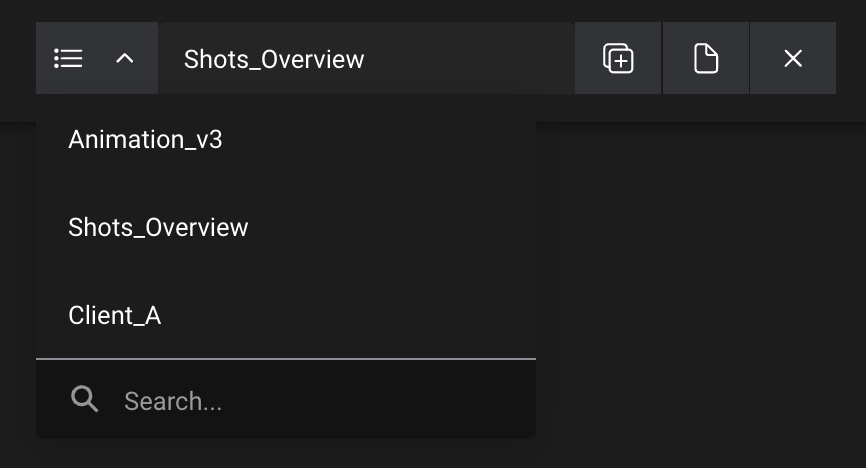
Each queue can be renamed to match your workflow (e.g., “Client_A”, “Animation_v3”, “Shots_Overview”, etc.).
Switching Between Queues
Use the queue selector to switch instantly between your queues.
Create or Duplicate a Queue
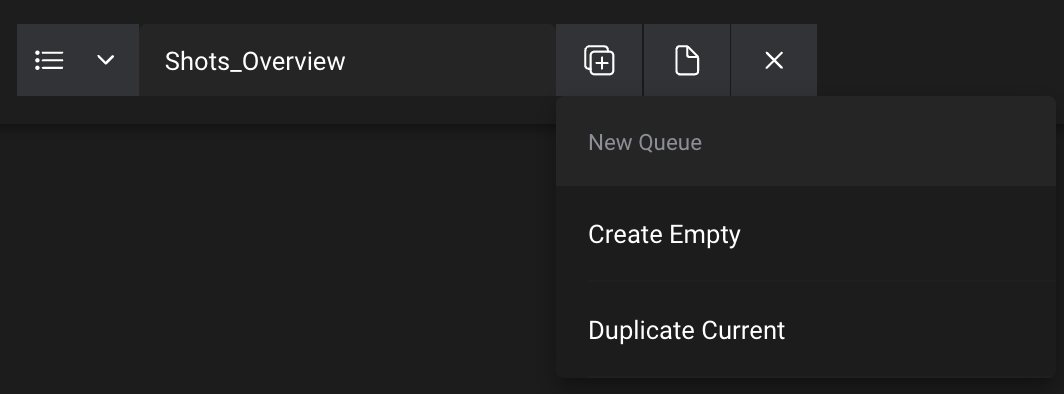
You can create a new empty queue or duplicate the current queue to reuse an existing setup.
Exporting Queue
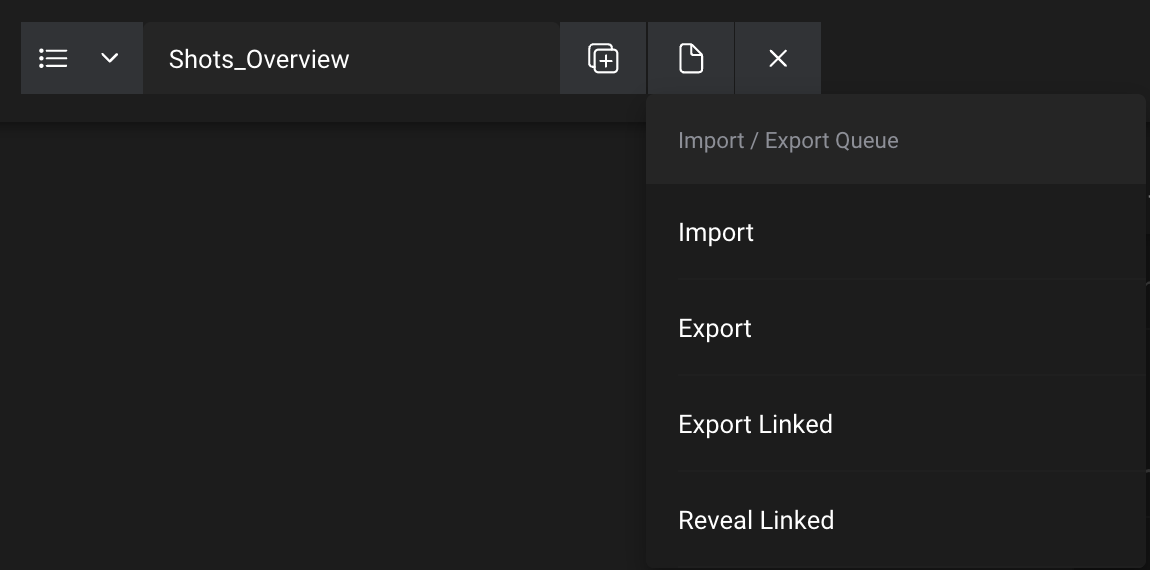
Use the file icon button to export a queue as a .brq file.
This saves a static snapshot of the current queue for backups or archiving.
Linking Queue to a File
You can also create a linked export, which keeps the queue synchronized with a .brq file.
Any change you make to the queue in BRQ will automatically update the linked file.
Linked exports are ideal for team collaboration or external render pipelines.
Importing Queue
You can import an existing .brq file to reopen old queues.
Simply drag and drop a .brq file into BRQ, or use the file icon button to open it.